Reading level: 11th grade · Audience: New users with zero prior GRC or Ironframe experience
Canonical path:/docs/user-manuals/user-guide· Master operator manual
This guide follows the professional GRC workflow: identify → assess → mitigate → monitor. Every step maps to a real route in the Ironframe SaaS application.
1. Introduction — What is Ironframe?
Ironframe is a Governance, Risk, and Compliance (GRC) platform. It helps organizations:
- Governance — Set rules and policies (who can do what)
- Risk — Measure financial exposure (ALE) and threats
- Compliance — Prove controls to auditors with immutable evidence
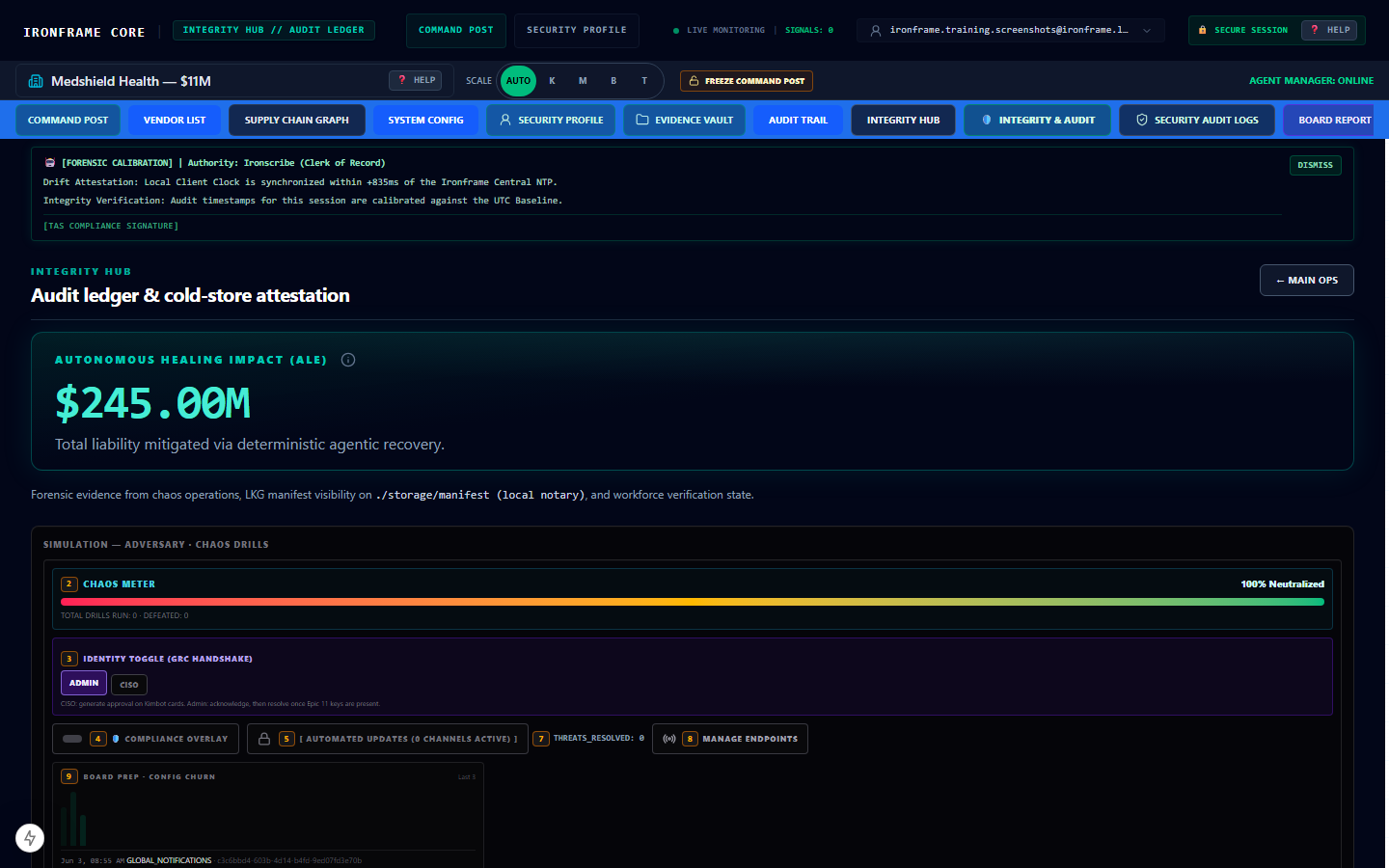
Quick tip: Think of Ironframe as a command center with three panels: data on the left (22%), your work in the center (48%), and audit logs on the right (30%).
Related reading: Glossary · Quick-Start · Training Index
source-file: docs/TAS.md
source-file: config/route-manifest.v0.1.0-ga-epic17.json
2. Getting Started
2.1 Account access
- Receive your sales-assisted invitation email (public self-registration may be disabled).
- Open Login at your workspace URL (local dev: sign in via Supabase at
/login). - Complete MSA/DPA legal sign-off when prompted at
/legal/accept. - Land on the Integrity Hub at
/integrityafter authentication.
Quick tip: Open DevTools → Application → Cookies and confirm
ironframe-tenantis set after login.
2.2 Navigation basics
| Area | Route | What you do there |
|---|---|---|
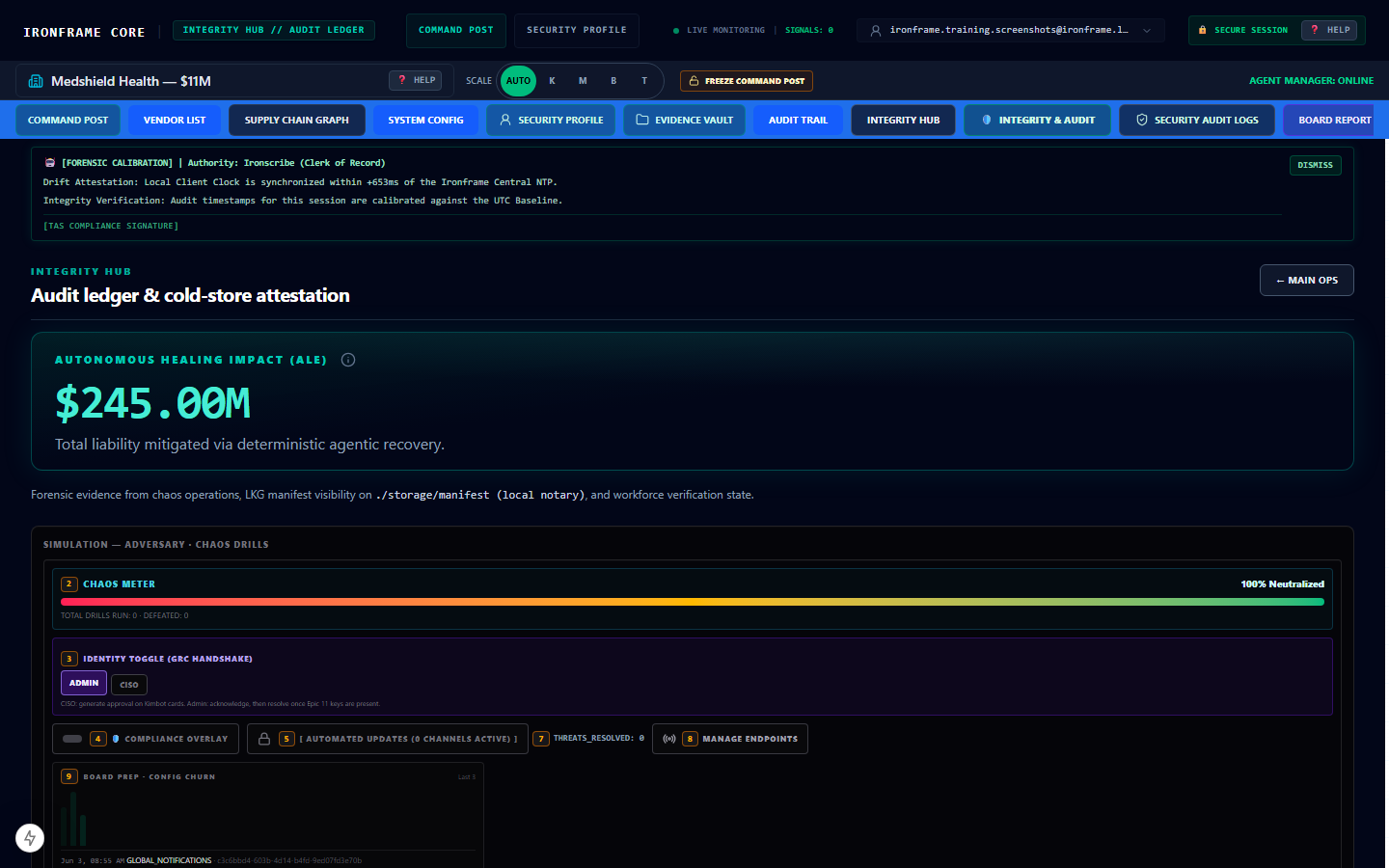
| Integrity Hub | /integrity | View ALE exposure, maturity score, threat posture |
| Evidence Vault | /evidence | Access immutable WORM audit evidence |
| Cockpit | /cockpit | View 19-agent workforce coordination |
| Board Report | /board-report | Executive readiness summary |
| Documentation | /docs | This handbook and training manuals |
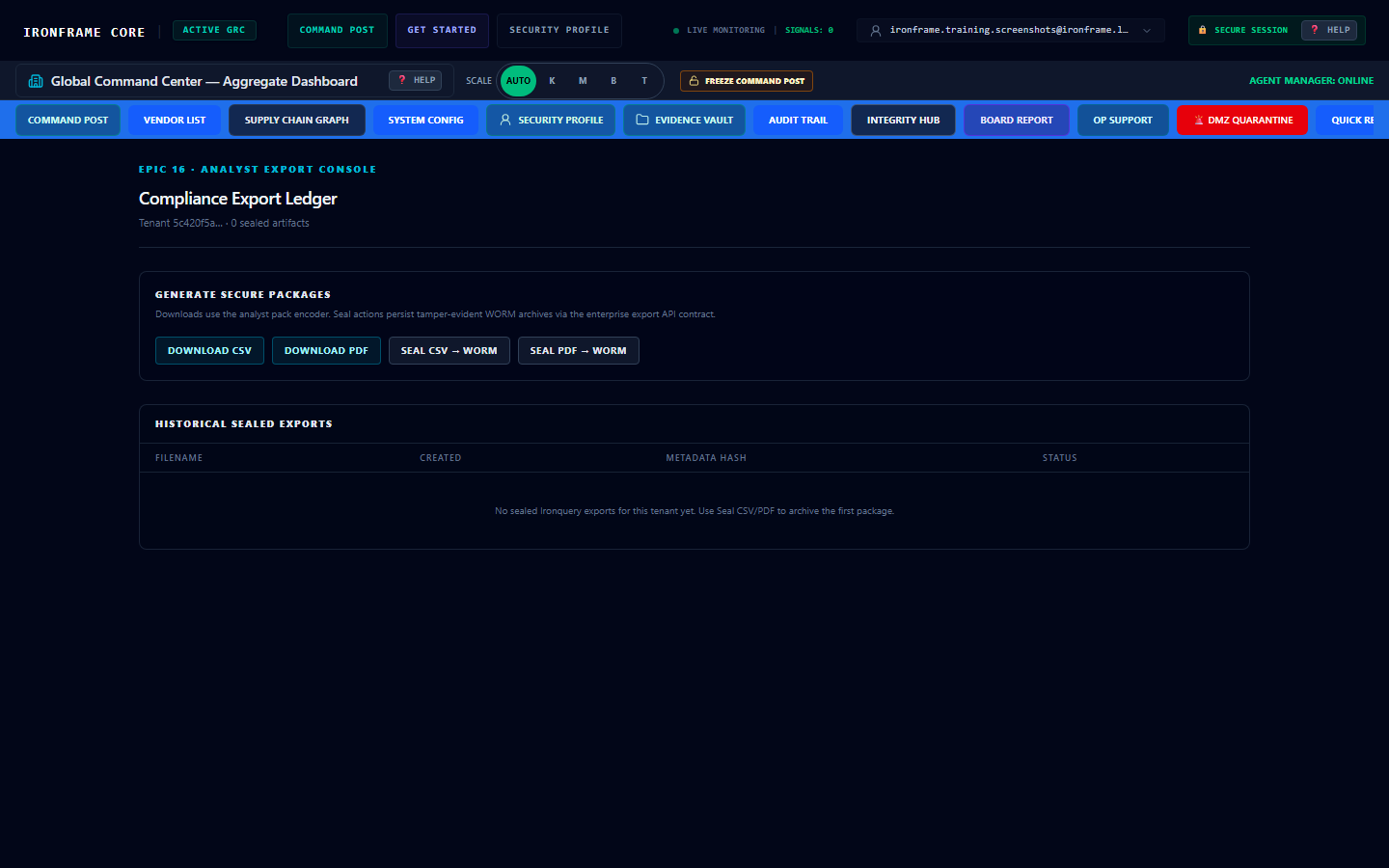
| Audit exports | /dashboard/exports | Download tenant-scoped CSV/PDF |
| Audit trail | /reports/audit-trail | Forensic audit trail reports |
| Support | /dashboard/support | Tenant-scoped CS console; replies queue for operator HITL |
| Admin approvals | /dashboard/admin/approvals | GLOBAL_ADMIN unified queue (SUPPORT + SALES drafts) |
2.3 Tenant workspace setup
- Use the tenant switcher (building icon, top navigation).
- Select Medshield, Vaultbank, or Gridcore (your assigned tenant).
- Confirm data changes when switching — this proves tenant isolation.
Quick tip: Never share screenshots that show another tenant's UUID or exposure values.
Lab: Tenant Switching
3. Core Tasks (GRC Professional Workflow)
3.1 Identify — Threats and exposure
- Go to
/integrity. - Review sovereign pool baseline cards (whole-integer USD cents internally; formatted strings in UI).
- Note critical threat count and active vulnerabilities.
- Open Threat Pipeline / Active Risks from the dashboard home.
3.1.1 Enter a threat (Manual Risk Registration)
Use this path when you need to record a new hazard on the Main Ops command post (/).
- Confirm you are on Main Ops (
/) with the Threat Pipeline visible in the center column (48% pane). - Click Manual Risk REGISTRATION (blue chip on the right side of the pipeline search bar).
- Complete the Manual Risk Entry form:
- Risk title — short label for the hazard.
- Source agent / analyst — who reported it (for example
AnalystorStrategic Intel). - Target sector/entity — affected business unit or asset class.
- Inherent risk ($M) — estimated loss exposure in millions (UI field; ledger stores integer cents internally).
- Justification — minimum 50 characters describing why the hazard is credible.
- Submit the form. The hazard enters the Threat Pipeline and appears under Active Risks for the four-stage lifecycle (Identify → Assess → Mitigate → Monitor).
- Optional alternate paths (when enabled in your tenant):
- Strategic Intel — click a Top Sector Threats profile button to register verified intel with pre-filled justification.
- Deficiency Discovery Gate — after opening Manual Risk Registration, use the Sentinel interview block to queue governed deficiency discovery.
- Kimbot (Bot B) — shadow-plane simulation injector for red-team drills only (not production Agent 17).
Quick tip: If the Manual Risk chip is closed, open it first — the Deficiency Discovery Gate copy directs you to Manual Risk Registration before Sentinel intake unlocks.
Constitutional baselines (cents): Medshield 1110000000 · Vaultbank 590000000 · Gridcore 470000000
3.2 Assess — Risk scoring and frameworks
- Review DORA and framework readiness percentages on
/board-report. - Map controls using the Feature Glossary.
- Use the right-panel Live Audit Ledger Stream to trace events.
3.3 Mitigate — Remediation and controls
- Open a threat card from Active Risks.
- Add remediation notes and assign ownership.
- Track Sustainability Pulse (kWh, liters) on the right panel — physical units only.
3.4 Monitor — Continuous compliance
- Visit
/evidencefor WORM-locked evidence. - Run
/reports/audit-trailfor exportable audit history. - Read syndicated briefings at
/governance-frame(separate from this/docsplane).
3.5 Export audit deliverables {#export-audit-deliverables}
- Set tenant scope in the switcher (not Global Command Center).
- Navigate to
/dashboard/exports. - Download CSV or PDF for the active tenant.
- Archive exports with timestamp and tenant UUID for auditor handoff.
4. Advanced Features
| Feature | Route | Summary |
|---|---|---|
| Trust Center | /trust | Procurement materials, subprocessors, residency |
| Admin onboarding | /admin/onboarding | GLOBAL_ADMIN tenant provisioning |
| Sales portal | /sales-agent-portal | Public lead intake; returns QUEUED receipt; pitch held for admin HITL dispatch |
| Approvals queue | /dashboard/admin/approvals | GLOBAL_ADMIN DISPATCH / PURGE for SUPPORT and SALES pending drafts |
| Governance Frame | /governance-frame | External briefing reader (not editable here) |
| IronBoard bridge | :8082 | Agent coordination (read-only telemetry to boardroom) |
Technical depth: Architecture · Deployment · Security
5. Troubleshooting & FAQs
| Symptom | Fix |
|---|---|
Redirect to /login | Session expired — sign in again |
Redirect to /unauthorized | No user_role_assignments row — contact admin |
| Blank panels after tenant switch | Wait for refetch; refresh page |
| Exports show "no active tenant" | Select a specific tenant (not Global) |
/docs/... page shows "Compilation Ingress Portal" | Document not yet synced — run documentation pipeline or npm run docs:seed |
More help: FAQ · Error Messages · Support Guide
6. Full training manual (63+ pages)
Complete step-by-step chapters with navigation paths and screenshots:
| Track | Index |
|---|---|
| Level 1 — Student | LEVEL1-STUDENT-INDEX |
| Level 2 — Practitioner | Level 2 Practitioner Index (/docs/training/level2-practitioner-index) |
Sample chapters:
7. Documentation map (verified tree)
| Document | Path |
|---|---|
| This guide | user-manuals/user-guide.md |
| Technical Architecture (TAS) | TAS.md |
| Competitive landscape | competitive-landscape.md |
| Infrastructure & env (ops) | deployment-and-ops.md |
| Quick-Start | quickstart.md |
| Dashboard manual | dashboard-guide.md |
Note: Legacy references to
/docs/user-guide.mdat repository root redirect here. There is no separateinfrastructure.md— usetechnical/deployment-and-ops.md.
ref: GET /api/board/shared-context
source-file: config/training-corpus-manifest.json